Why Your Sneaker Bot Keeps Getting Banned (and How to Fix It)
Drop after drop, your tasks fail at checkout. The IP isn't always the reason — but most of the time it is. Here's the diagnostic flow and the proxy stack that actually clears Nike SNKRS, Footlocker, and Yeezy Supply.
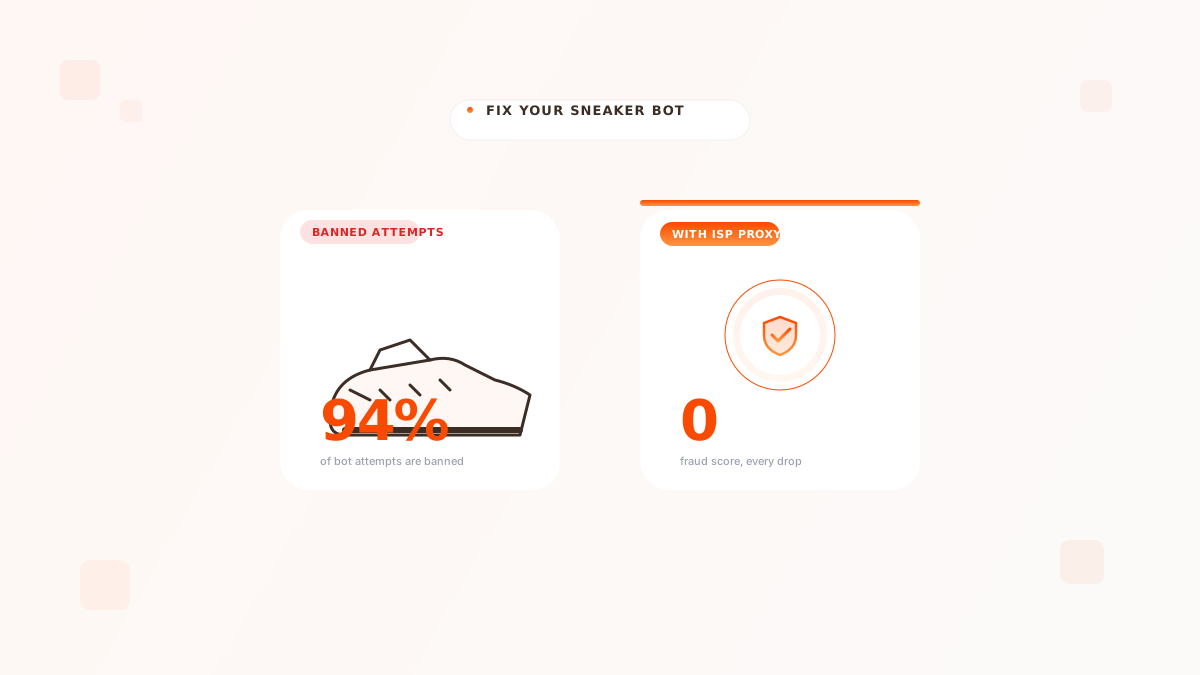
It's drop day. Your bot fires 80 tasks, you watch the queue page load... and four hours later you have zero pairs and a Discord full of "banned" notifications. Sound familiar.
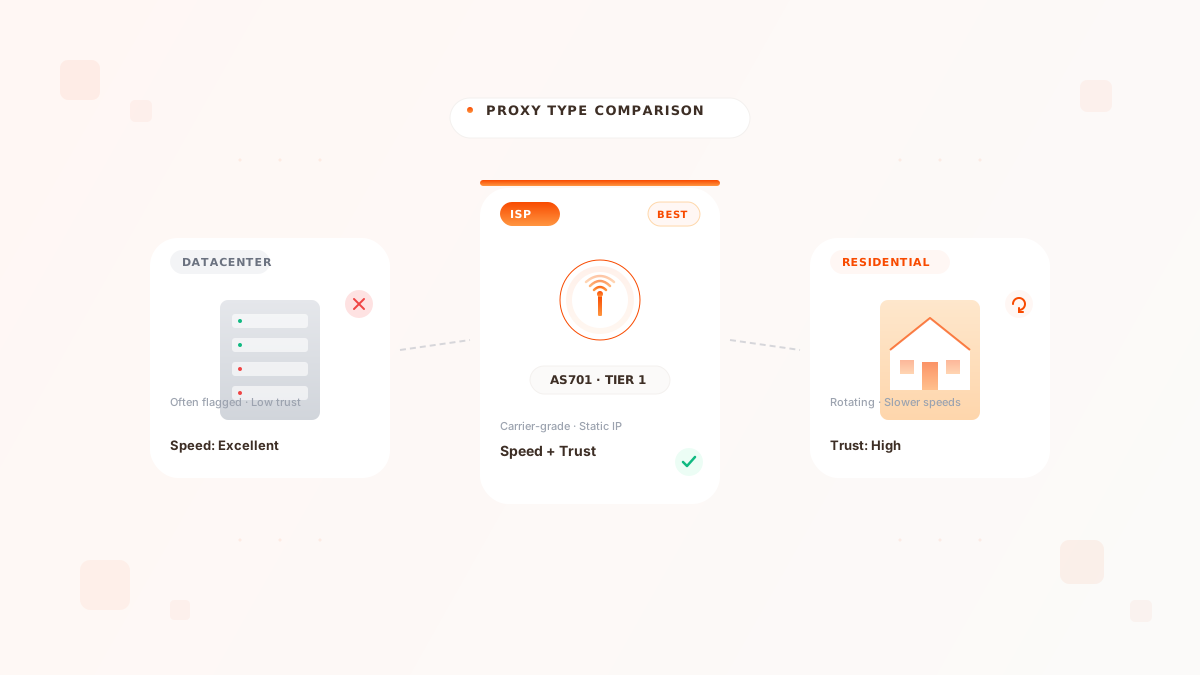
If you're using datacenter or rotating residential proxies on Nike SNKRS, Footlocker, Adidas CONFIRMED, or Yeezy Supply in 2026, the proxy itself is almost certainly the reason for the ban. Switch to static residential ISP proxies on a Tier 1 US carrier ASN, one IP per task, and most of your "bot is broken" problems disappear.
This isn't a "buy our product" pitch. This is the diagnostic flow we walk customers through when they show up in support saying "my bot used to work." Most of the time the bot is fine. The proxy stack rotted underneath it because retailers got smarter and the cheap proxies didn't.
Why retailers ban — the actual signals#
Sneaker retailers don't just look at the IP itself. In 2026 they fingerprint a stack of signals and ban the moment two or three line up against you:
- ASN classification — datacenter, mobile, residential, or carrier. Datacenter is an instant red flag on any major sneaker site.
- IP reputation — has this IP ever been flagged as a proxy in MaxMind, Spur, IPQS, or the retailer's internal blocklist?
- Session continuity — does the IP stay the same across the page-load → add-to-cart → checkout → payment flow? Rotating residentials fail this hard.
- Linkage — has this IP been associated with multiple accounts, multiple cards, multiple addresses in the last 24 hours?
- Browser fingerprint — canvas, WebGL, fonts, timezone, language. A perfect proxy paired with a default Selenium UA still fails.
Before drop day, test each task's IP on whoer.net or browserleaks.com. If anything reads as "datacenter" or "anonymous proxy," that task is dead before it starts. Burn it and assign a new ISP IP.
The 60-second proxy stack that wins drops#
Here's the rule, distilled:
One static residential ISP proxy per task, on a Tier 1 US carrier ASN, paired one-to-one with a clean fingerprint and a clean payment method.
What that means in practice:
Diagnostic flow when tasks are getting banned#
Run through these in order. Stop the moment one of them is the answer:
- Check the ASN. Run the proxy IP through
spur.usoripinfo.io. If the org is anything other than a known consumer ISP (Verizon, AT&T, Comcast, Spectrum, Cox, T-Mobile, etc.), this is the problem. Replace the proxy. - Check session stability. Open
https://api.ipify.orgthrough your bot's request flow twice within 30 seconds. If the second request returns a different IP, your proxy is rotating and that's the ban signal. - Check fingerprint linkage. Are 5+ tasks running on the same IP? They will all fail together. One IP per task.
- Check the card. Same card on 3+ tasks in the same drop window will get the whole IP block flagged. One card per task too.
- Last: check the bot. If everything above is clean and you still ban, then yes, time to update the bot.
Pricing reality#
A static residential ISP proxy from a real Tier 1 carrier costs in the $3–$8 per IP per month range. If you're running 50 tasks on Nike, that's roughly $200–$400 a month for the proxy stack. People hear that and balk. Then they realize they spent $1,500 on bot subscriptions, $1,000 on AYCFs, and zero pairs to show for it because the proxy was the broken link.
Frame it differently: a single pair you actually clear at retail and resell pays for the entire month of proxies. Two pairs and you're profitable. Most of our serious sneaker customers run somewhere between 30 and 200 ISP IPs and treat the cost as drop-day infrastructure, not optional.
Final thought#
If your tasks are getting banned and you've ruled out the obvious bot bugs, the proxy is the answer. The version of this article that applies to every other "why is my automation getting blocked" question is roughly the same. Real subscriber-grade IPs, one per identity, never shared. The platforms aren't getting harder to beat — the cheap proxies are getting easier to detect.
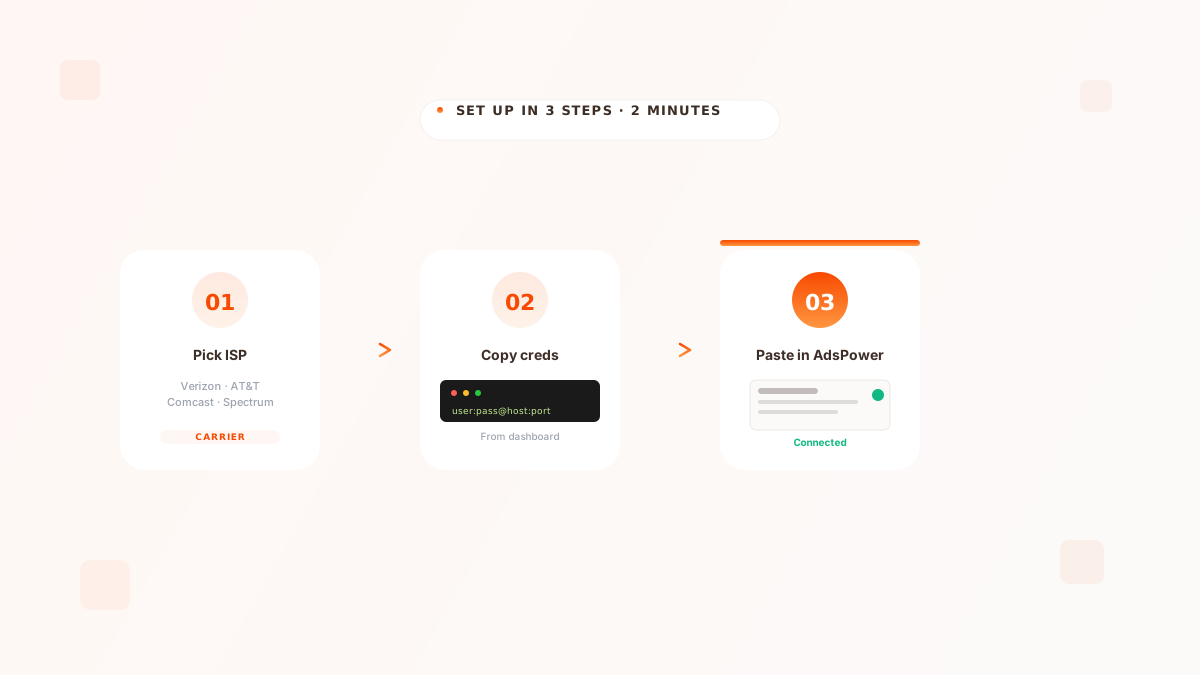
If you want to test this with your own bot, grab a $5 trial of static residential ISP proxies on the carrier of your choice and run it against your next drop. See available carriers or jump to pricing.
Was this article helpful?
Written by
Karam Mokdad
Founder, Bart Proxies
Karam runs Bart Proxies and has spent the last six years building proxy infrastructure for scraping, multi-accounting, and ad-tech operations at scale. He uses every product he ships.
Frequently asked questions
No. The proxy gets you past the IP-level ban, which is by far the most common failure mode in 2026. But you still need a clean fingerprint, a non-flagged payment method, and a bot that's not making obvious automated patterns. The proxy is necessary, not sufficient.
One per task. If you're running 50 tasks, you need 50 ISP IPs. Sharing IPs between tasks is the second-most common ban reason after datacenter ASNs.
Yes — that's actually the point of static residential. The IP holds, the trust score holds, and using the same IP across multiple drops over weeks looks more like a real subscriber, not less.
For US drops: Verizon (AS701), AT&T (AS7018), Comcast (AS7922), and Spectrum (AS11426) all work great. The 'best' is usually whichever one has the strongest local subnet for the warehouse the retailer ships from. For most users, any of those four is fine.